Instructions
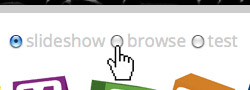
1 Select Mode
Choose between Slideshow (automated run through of image sets) Browse (user-driven via buttons or arrow keys) or Test (multiple choice version where words may be matched to pictures)
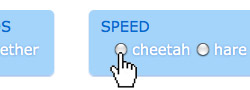
2 Select Style
Alter the speed of the slideshow, choose random or alphabetical order and whether words and images are displayed together or consecutively.
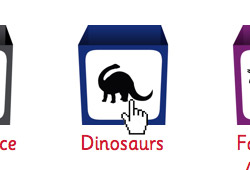
3 Select Set
And off you go! Read the words aloud to you child as they come up. You get extra points for enthusiasm.
You may also choose to see all items beginning with a certain letter, but be aware that some of these can take some time to load.
In Test mode, you may choose to see randomly selected sets of ten items of a particular word length.
Be Flexible
There isn’t a definitive way to use Cosmopedia. We are finding new unplanned benefits and applications all the time. However the general idea is:
- Slideshow - for younger, pre-verbal kids, or the introduction of new sets. Start with separate words & pictures.
- Browse - for older children capable of further discussion. Yet now you can separate the words & images for advanced reading.
- Test - for encouragement of reading skills with older children, identification of objects with younger ones.